
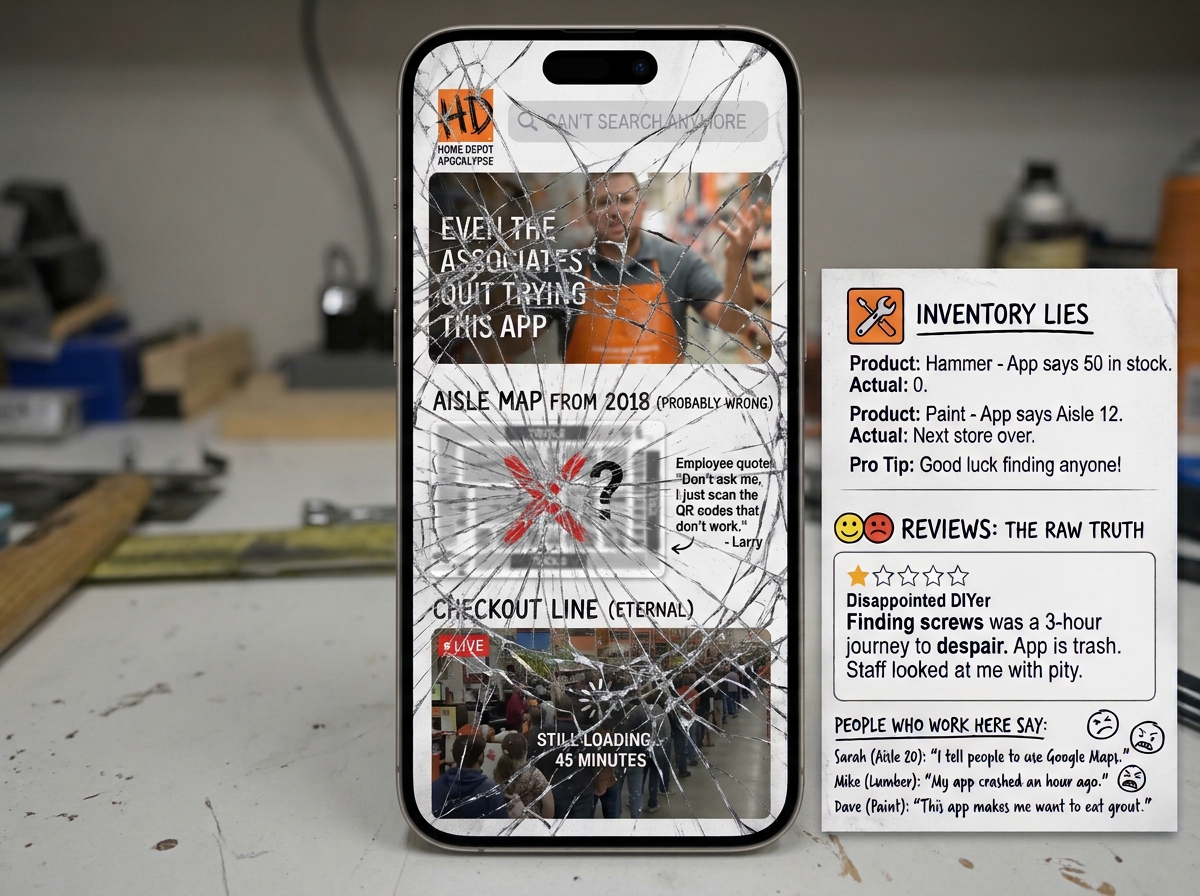
TL;DR: Home Depot runs an ad-funded marketplace and an in-store lookup tool on the same bloated code, so both the app and the employees’ handhelds fail in the aisle, with slow loads, wrong-store data, and “in stock” items that aren’t. Until the two are separated, shoppers and associates will keep standing side by side Googling it.
I’ve stood in that aisle. You probably have too.
You’re in aisle 14 with a job waiting and a truck double-parked outside. You need one thing: which bay holds the fittings. You pull out your phone, open the Home Depot app, and watch a spinner.
So you flag down an associate. They look at the Zebra device on their hip, tap, and wait. Then they pull out their personal phone and Google it.
Every time. Not now and then. Every time.
That scene is the whole story, and the rest of this piece explains how it happens.
Most teardowns of Home Depot’s digital experience file it under “slow retail site with legacy tech debt.” That’s true, and it’s the least interesting part. The real problem is a collision between two jobs that were never meant to share a codebase.
One job is an endless-aisle, ad-funded marketplace. The other is a fast, predictable tool for finding a physical thing in a physical building. Home Depot built one stack and asked it to do both. The stack is losing, and you and the person in the orange apron are the ones who pay for it.
The concrete warehouse test
A big-box hardware store is a hostile place for software.
You’ve got high ceilings, metal racking, and concrete that swallows radio signals. The Wi-Fi is saturated. And nobody in the building is browsing. A contractor needs exact specs and an exact bay location in about 30 seconds. A shopper on a couch can tolerate a slow page. This person can’t.
Home Depot’s pages can require up to 4MB of scripts and assets before the first render. Engineers who’ve picked the architecture apart call it “Death by a 1,000 back-end calls.” On a fast home connection, that’s an annoyance. On a weak signal in the middle of a warehouse, it’s a dead screen.
You know the feeling. The page half-loads, you tap, nothing happens, you tap again, and now you’re standing there holding a phone that’s useless at the exact moment you need it.
A heavy page isn’t just slow. It fails when the stakes are highest.
The anatomy of bloat
Start with the mobile app, because it isn’t what most people assume.
Network traffic inspection with HTTP Toolkit showed that the app works mostly as a web wrapper. It pulls down megabytes of client-side JavaScript instead of leaning on lightweight, compiled native components. The thing on your home screen behaves like a browser tab wearing an app icon.
That hurts most where connectivity is worst, which is inside the store.
The architecture underneath makes it worse. Different development teams push their own client-side code in a micro-frontend setup, and the pieces aren’t coordinated. The result is full data reloads between views. You tap, and the page rebuilds itself instead of moving forward.
Then comes the monetization layer.
“Customers also bought” modules, financing calculators, and dynamic banners all render late. When they land, they shove everything around. This is Cumulative Layout Shift, and here it’s severe. You aim at one button, the layout jumps mid-tap, and you’re suddenly in a product page you never asked for. Back button. Wait. Start over.
You came to find a fitting. The app wants to talk about financing.
That’s the clash in miniature. The ad layer and the utility layer fight for the same pixels, and the utility layer loses every time.
Null Island and the ghost inventory problem
Then there’s the location glitch.
Call it “Cumberland” or “Null Island.” Consumer and internal systems keep defaulting to Store #0121 in Cumberland, GA, near corporate headquarters. When it happens, shoppers across North America see stock errors, missing aisle and bay information, and pricing that belongs to another region.
Read that again. You’re standing in your local store, looking at data for a store in Georgia.
The likely culprit is cookie decay and caching defaults quietly resetting your store. The cause is a theory. The effect isn’t. You can’t trust a single number on the screen, and once that trust is gone, you stop using the tool.
Then there’s ghost inventory. The public web count and what’s on the shelf drift apart. Register shrink, overhead pallet staging, and resets all happen in the physical world, and the website doesn’t know. It shows “1 in stock” with total confidence. You walk to the bay and find an empty hook.
Displaying single-unit availability with no shrinkage buffer is a UX mistake. It promises certainty the data can’t deliver. A tool people rely on to make a trip count shouldn’t make promises it can’t keep.
The shared pain: shoppers and employee rugged handheld scanners
This part stuck with me.
You’d expect the associate’s tools to be the fix. Employees get proprietary Zebra devices, the “First Phones,” plus internal tools like SKU Depot and Order Fulfillment. This is the enterprise stack, the multi-million-dollar one.
Associates abandon it constantly.
They deal with 20-second load screens, dropped sessions, and frozen search bars. Think about being the employee here. A customer is staring at you, waiting. Your official device is still spinning. You’ve watched this happen all day, every day, so you stop fighting it.
You open Google on your own phone. Some associates use a site:homedepot.com search to skip the official software entirely.
The customer and the employee end up standing side by side in a concrete dead zone, both Googling the catalog. The company’s internal inventory system can’t answer a basic question faster than a search engine pointed at the company’s own public website.
Picture what that does to the associate. They’re trained on tools they can’t rely on, blamed for slow answers they didn’t cause, and forced to improvise in front of the customer. The frustration isn’t just the shopper’s. It’s shared, and it’s daily.
That’s the “phygital” bridge, and it’s broken. The “physical” and “digital” are not working together as expected.
The demand for something better is obvious. Third-party headless apps already exist because people want a stripped-down, predictable lookup instead of marketing fluff. When outsiders build a leaner front end for your catalog, your own product has told them something.
The blueprint: split utility from monetization
None of this requires a miracle. It requires a decision about what the in-store experience is for.
Build an in-store mode that’s offline-first. Edge-cached Progressive Web App (PWA) or native architecture, designed for weak signal and RF-heavy buildings. Lookup should work when the network is bad, not only when it’s good.
Put a hard firewall between core inventory lookup and the retail media network. SKU, aisle, and bay data should never share a render path with recommendation widgets, financing calculators, or banners. If an ad is slow, the ad should fail. The location data shouldn’t.
Fix location resolution. A default that sends everyone to Cumberland isn’t a minor bug. It poisons stock, sequencing, and pricing in one move.
Treat associates and shoppers as the same user. Both are trying to answer one question: is it here, and where? If the employee tool inherits the same bloated services as the consumer app, both groups suffer together.
Be honest about availability. Show a number people can trust, with shrinkage in mind, instead of a precise-looking figure that’s often wrong.
The takeaway
Home Depot’s digital problem isn’t a bad button or a slow page. It’s a structural conflict. An advertising marketplace and a warehouse navigation tool want opposite things. One wants more payload, more widgets, and more monetization. The other wants speed, certainty, and silence.
You can run both. You can’t run both through the same pipe.
Until they’re separated, nothing changes. I’ll continue to wait in aisle 14 while squinting at a spinner. The associate beside me will keep reaching for a personal phone. And the two of us will keep doing the same thing, every single time.
We’ll Google it.